It's exciting when the scale is moving. But losing weight can mean losing muscle too. Refactor helps you hold on to your gains by keeping an eye on every meal and every set, and guides you to get the protein and training you need to stay strong as you get lean.
Open full-size video ↗Demo account. Silent video. Edited for length; AI waiting time removed.Read the walkthrough
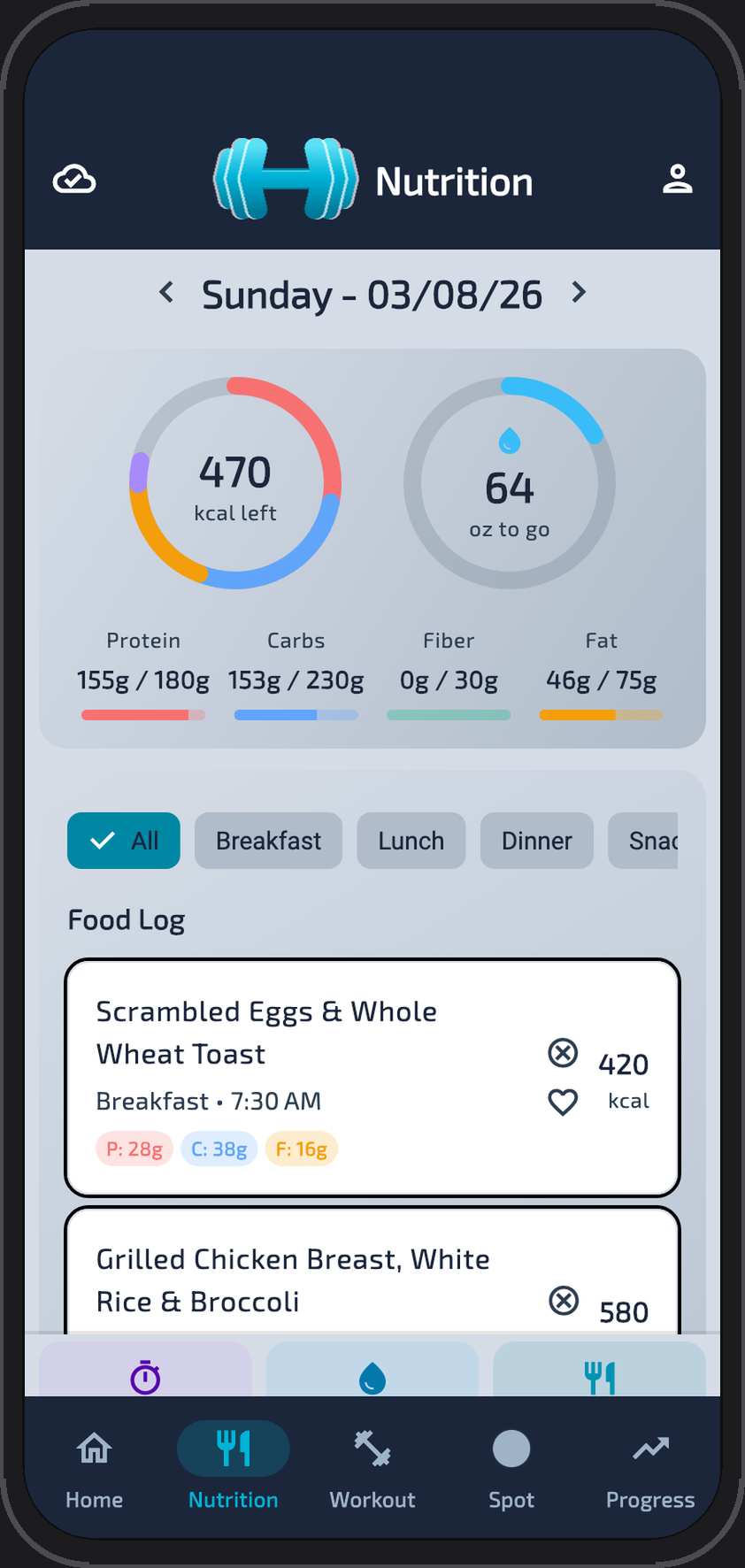
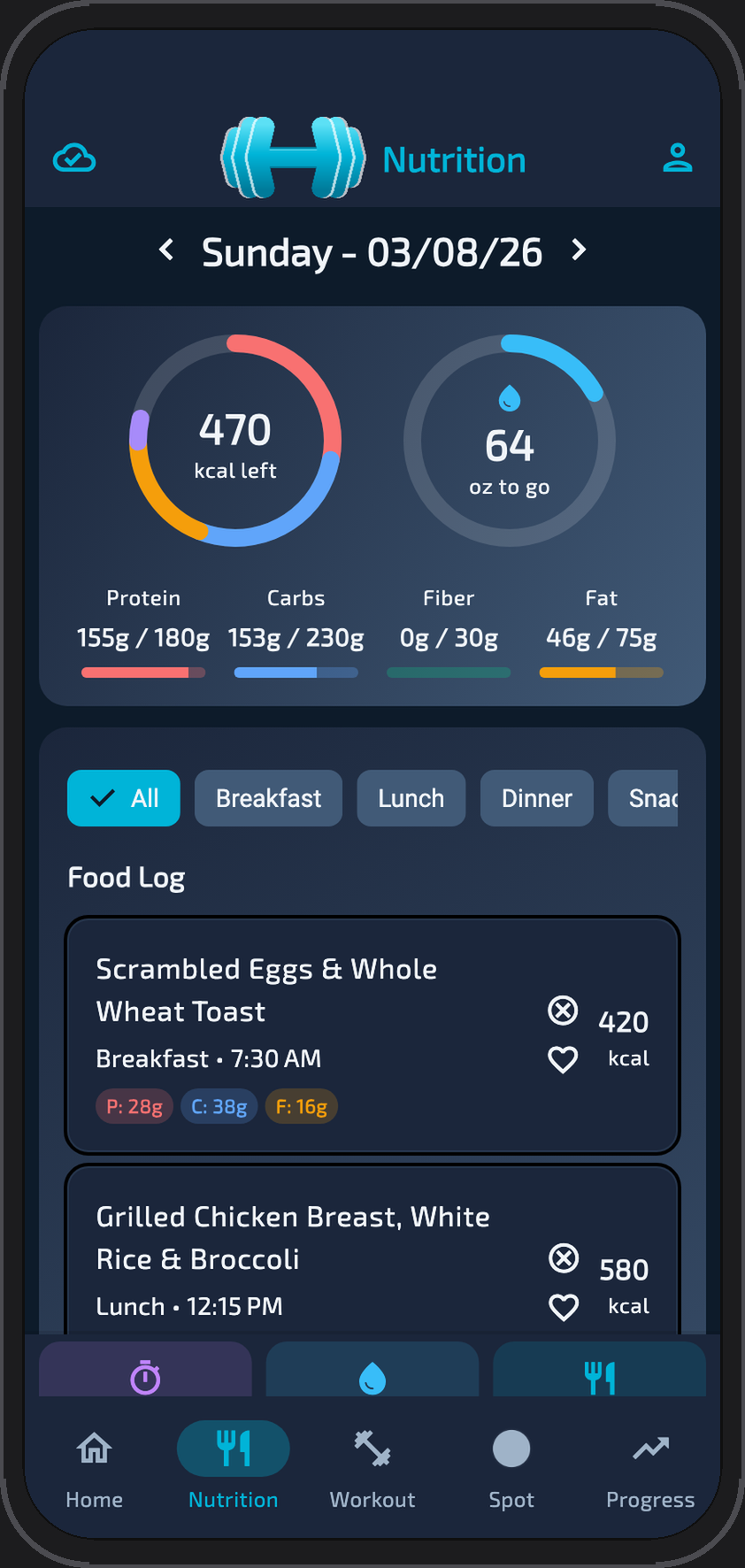
A breakfast description becomes separate yogurt, oats, and blueberry entries. The blueberry portion is changed to three-quarters of a serving before the items are saved and daily totals update.
02 / TRAINING
Your equipment. Your time. Your workout.
Have dumbbells, a bench, and 30 minutes? Give Spot your constraints and review a plan you can edit. Or bring your own program and log every set.
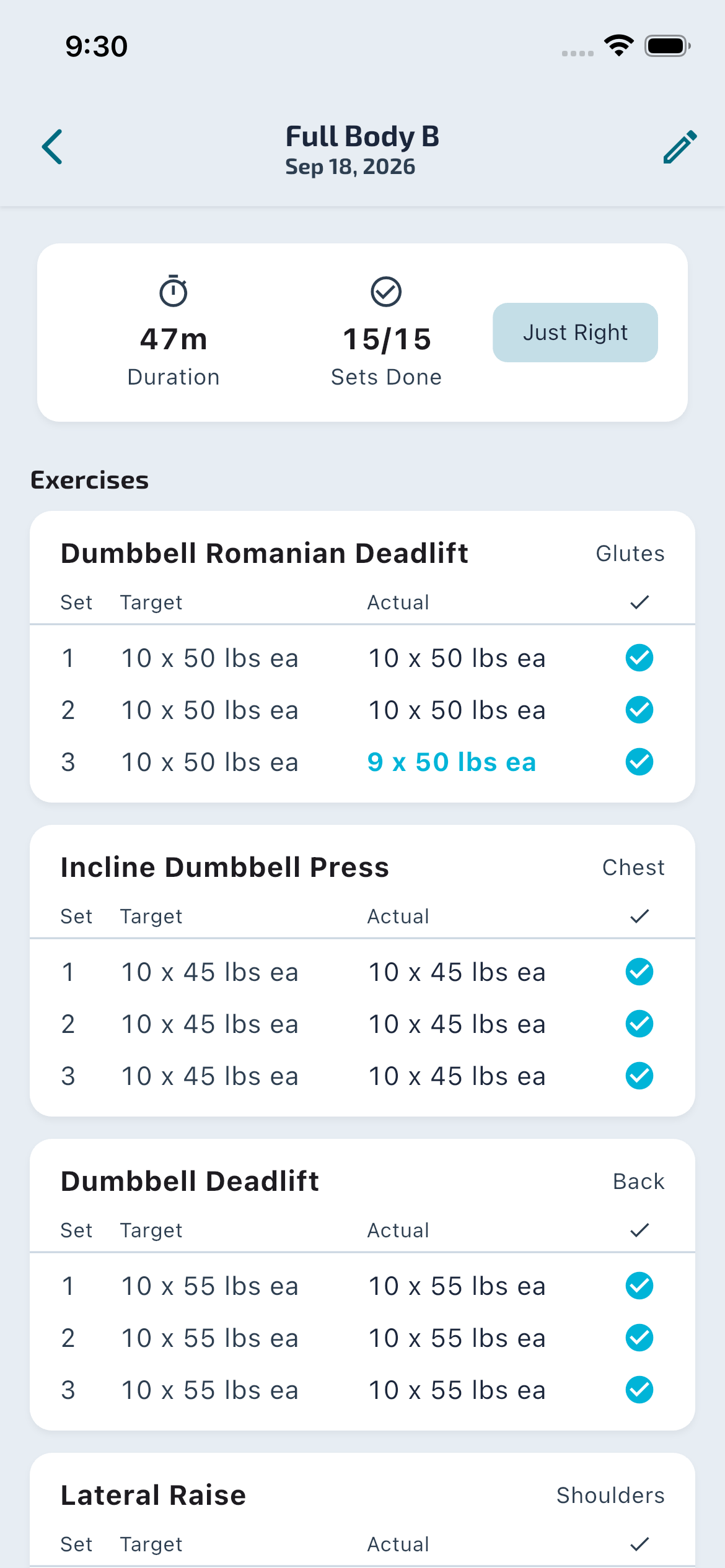
Track target and completed sets, reps, and weights.
Save templates to make the next session easier.
Review Spot's post-workout suggestions before making changes.
Snap a photo of the workout of the day and Spot turns it into a template you can edit.
Open full-size video ↗Demo account. Silent video. Edited for length; AI waiting time removed.Read the walkthrough
Choose a workout focus and duration. Spot generates a full-body plan using dumbbells and a bench, with exercises, sets, reps, and starting weights to review.
03 / PROGRESS
Your strength and the scale.
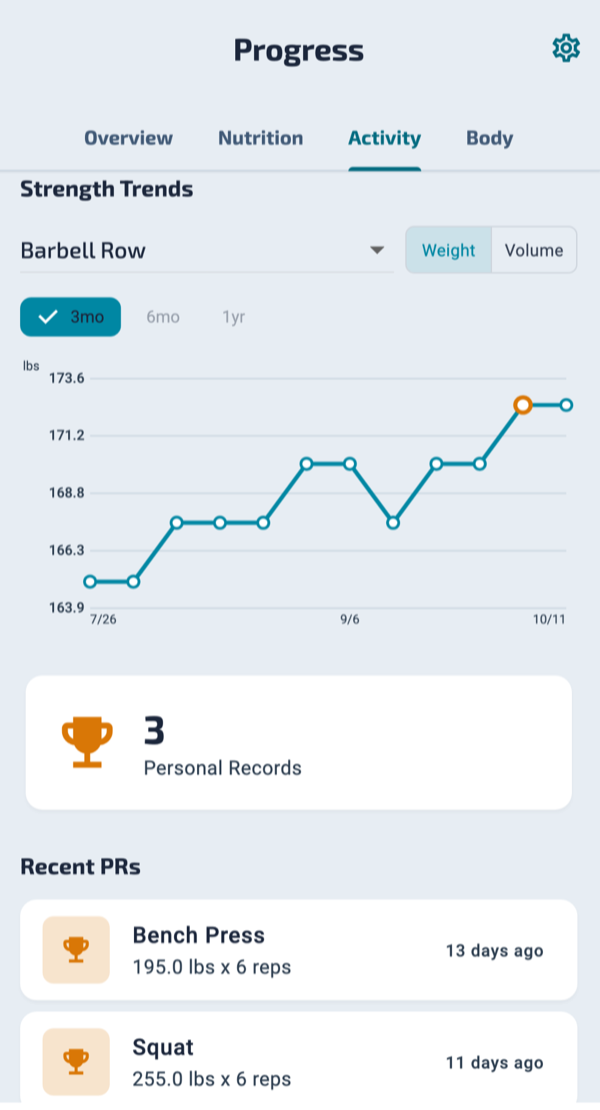
Your strength trend builds as you log. Pro flags when key lifts slide while your weight trend falls. Ready to maintain your weight? The maintenance phase steps calories up week by week.
Open full-size video ↗Fictional demo history. Silent video. Edited for length.Read the walkthrough
Open the monthly nutrition summary, switch to Body to compare weight and calories, then select the weight-only chart. The example uses 28 days of fictional account history.
TIMELINE
Mark the dates that matter.
Add dated events, like a GLP-1 start or a program change. With Pro, see them as markers on your charts, so you can see how your trends shift after each change. Events are optional, display only, and are never shared with AI.
Pro Timeline markers on your Progress charts
Meet Spot / Your AI coach
Spot suggests. You decide.
An AI coach with your logs in view. Ask about your meals or training, build a workout, or review suggestions for what to adjust next.
You can accept, edit, or dismiss recommendations. Your program and your goals stay yours.
Included with Pro. AI estimates can be wrong. Review them before use. Spot does not give medical advice. Spot is built to decline medication and dosing questions and point them to a prescriber.
01
Starts with your context
Your logged meals, workouts, equipment, and goals inform the conversation.
02
Helps with the details
Workout plans, starting-weight calibration, live set suggestions, and post-workout recommendations.
03
Leaves you in control
Review the suggestion. Change the plan. Keep what works for you.
Nick Bogert built Refactor Fitness to bring nutrition and training together. He uses the app in his own routine and welcomes feedback from the people using it.
Yes. Nutrition and workout logging are free and unlimited, with 3 workout templates and a 90-day history view. Pro adds Spot AI features, unlimited templates and history, and progress analytics.
Can I use my own workout program?
Yes. Build workout templates and log your sets, reps, and weights. With Pro, you can also ask Spot to generate a plan around your equipment and available time, then review and edit it.
Can I save workouts to use again?
Yes. Save workouts as templates so you can repeat your routine. Free includes 3 templates; Pro includes unlimited templates.
Where can I download the app?
Refactor Fitness is available on the Apple App Store and Google Play in the United States and Canada.
Is Refactor Fitness for people on GLP-1 medications?
Yes, and for anyone losing weight who wants to keep their strength. Refactor tracks food, training, and progress. It doesn't ask for doses and has no injection reminders, side-effect tracking, or medication advice, so it fits alongside a care plan from a prescriber.
Can I note when a GLP-1 was started or changed?
Yes. Timeline lets you add dated events, like a GLP-1 start, a dose change, or a program change. With Pro, they show as markers on your Progress charts. Events are optional, display only, have no reminders, and are never sent to Spot or any AI.
Your next meal. Your next set.
Start with one log.
Bring your nutrition and training together. Download Refactor Fitness for iOS or Android.
Free unlimited logging. New accounts get 14 days of Pro free, no card needed.
Keep in touch
Updates worth opening.
Product news and training tips. Unsubscribe anytime.
Thanks! You're subscribed. We'll be in touch.
* Not medical advice. Refactor Fitness doesn't provide or recommend medications. Talk to your prescriber. Not affiliated with any drug manufacturer. Refactor Fitness is not a medical device and does not diagnose, treat, cure, or prevent any medical condition.